
Collecting User Feedback in Your Mobile App
Giving informative feedback should be frictionless yet informative, letting you move fast and iterate for your users.
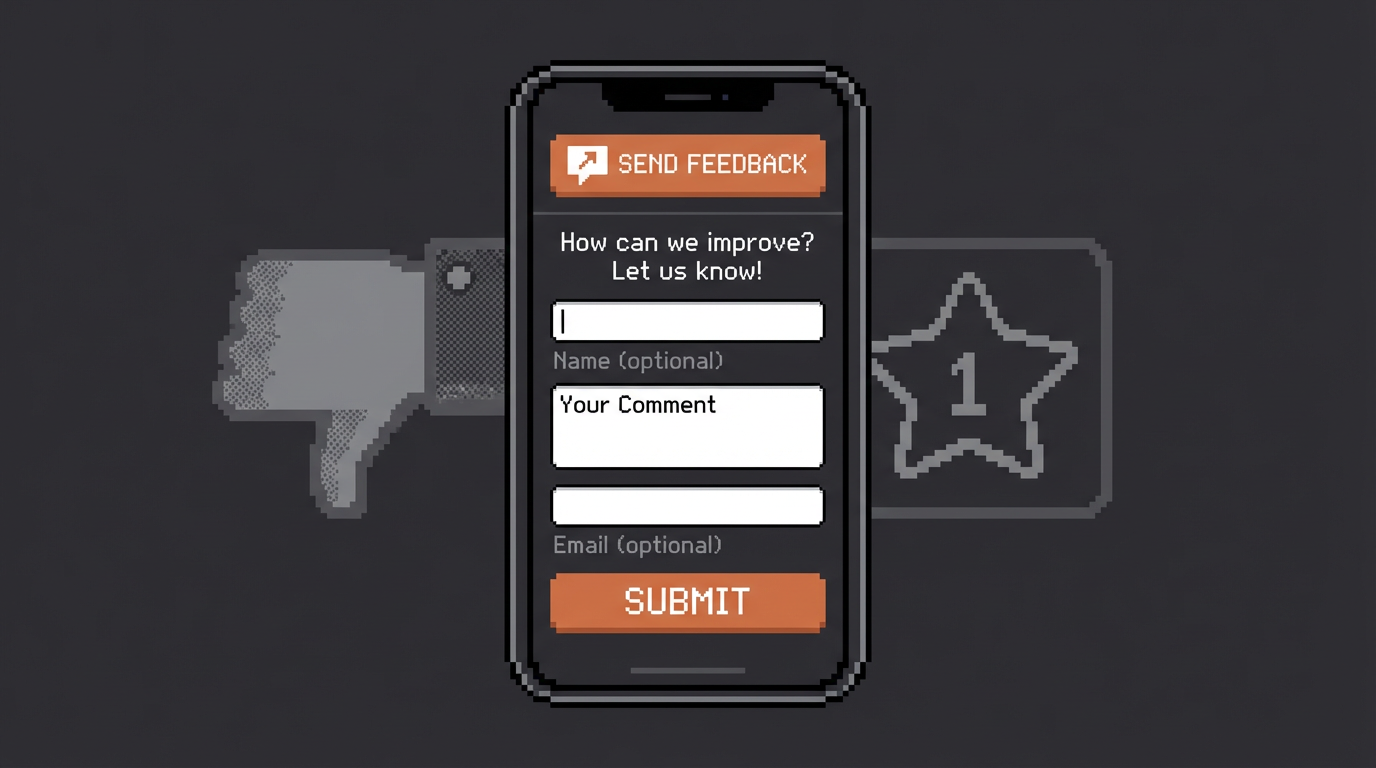

The Options
1. In-app feedback form
The most common approach is to have a textbox somewhere in your app but the issue ends up being where to wire it up to. One company we talked to just had it write a row in their backend and once in a while they queried the database to see what users were asking...not ideal. It also means that it's not easy to respond to your user's feedback.
2. Support email
The other common option is having a support email listed somewhere in your send feedback/report a bug page. This approach has its pros: you have an easy way to respond to their feedback (just reply to the email they sent). But the downside is that most of these emails will have no information that helps you debug. Most people won't attach a screenshot and they most definitely won't know or tell you what their app version or operating system version is.
3. Discord / community channels
This works for highly engaged users but you're asking them to leave your app, create an account on another plaform and then tell you their problem. Most people will just uninstall, leave a negative review and never come back.
How SideKit handles this
SideKit has a built-in feedback tool to collects user feedback directly from your app and surfaces it in a dashboard where you can actually work with it, grouping similar feedback items together and bulk emailing all the users in the group at once.
When a user submits feedback through the SDK, it arrives with context attached automatically — their platform, app version, OS version, country, device model, etc. Along with their feedback you can optionally attach some id that lets you identify them like their email if they're logged in.
It's as simple as calling:
.sendFeedback("my app is crashing", <id>)
Note: this feature is available only in our Swift SDK for now.
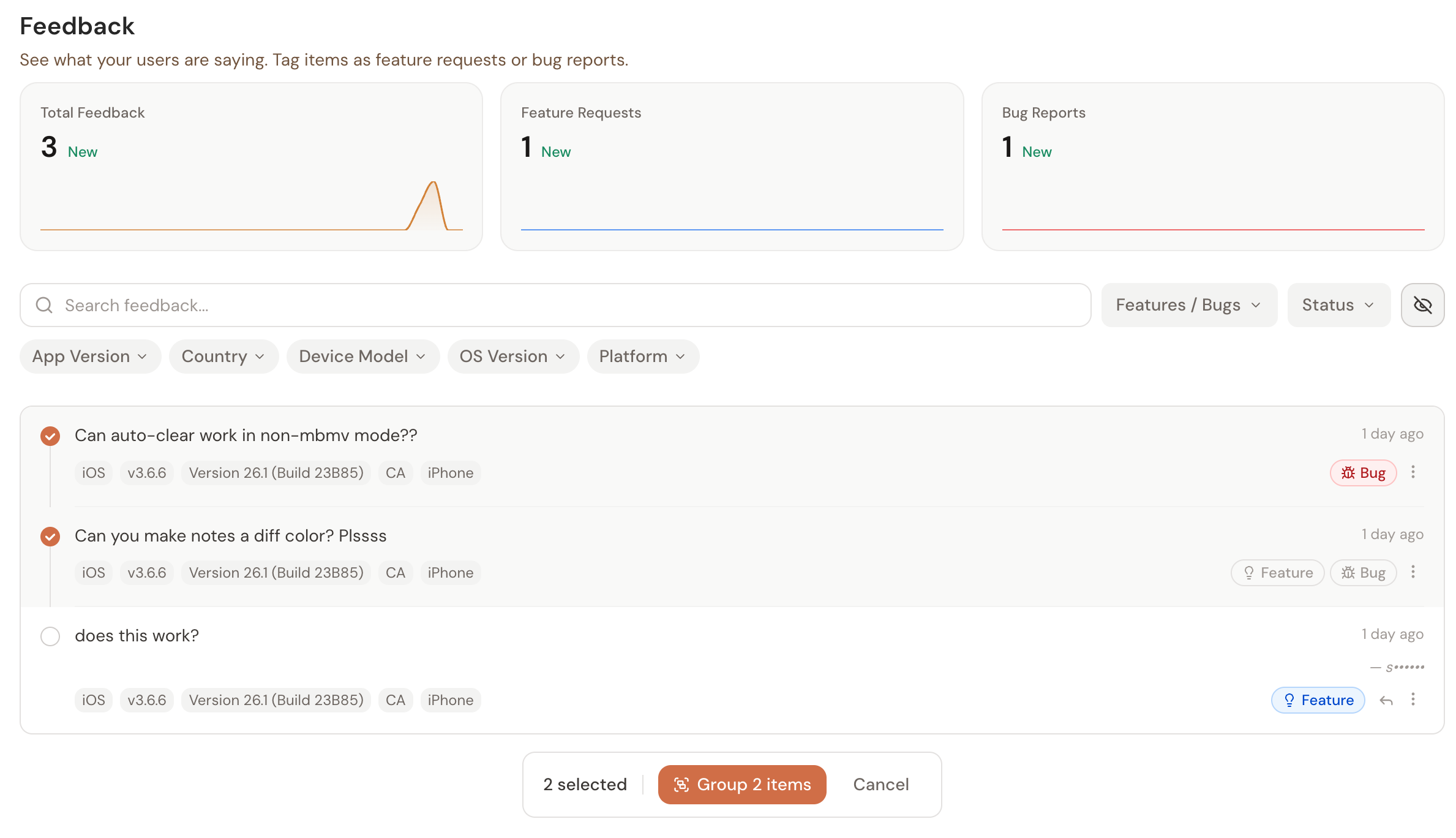
Group/Filter related feedback
Each feedback item you get can be tagged as a feature/bug and you can group like items together. You can also filter by any of the default metadata SideKit collects such as device/country/app version/OS verison.
The other neat thing is the ability to mark feedback items with a state such as open/in progress/won't do/done. This allows you to keep track of what is actually being worked on and plan out a roadmap for your app.
Reply Tools
SideKit has an email composer built in that lets you respond to individual items or bulk respond to all items in a group at once. The email the user receives will have your app name but come from the [email protected] email with your email as the replyTo.
This lets you inform users when their item has been addressed.
Set it up before launch
Just like version management, feedback collection is something you should bake into your app before you submit. The first week after launch is when you get the most honest, most actionable feedback and if you don't have a channel for it, that feedback becomes a 1-star review instead.
Get started with SideKit here.